Web API and OSC
Callie Grams exposes a Web API over HTTP and an OSC endpoint for external control. This lets Bitfocus Companion, custom scripts, and other tools trigger clips, fire gangs, switch projects, and change pages.
Enabling External Control
Section titled “Enabling External Control”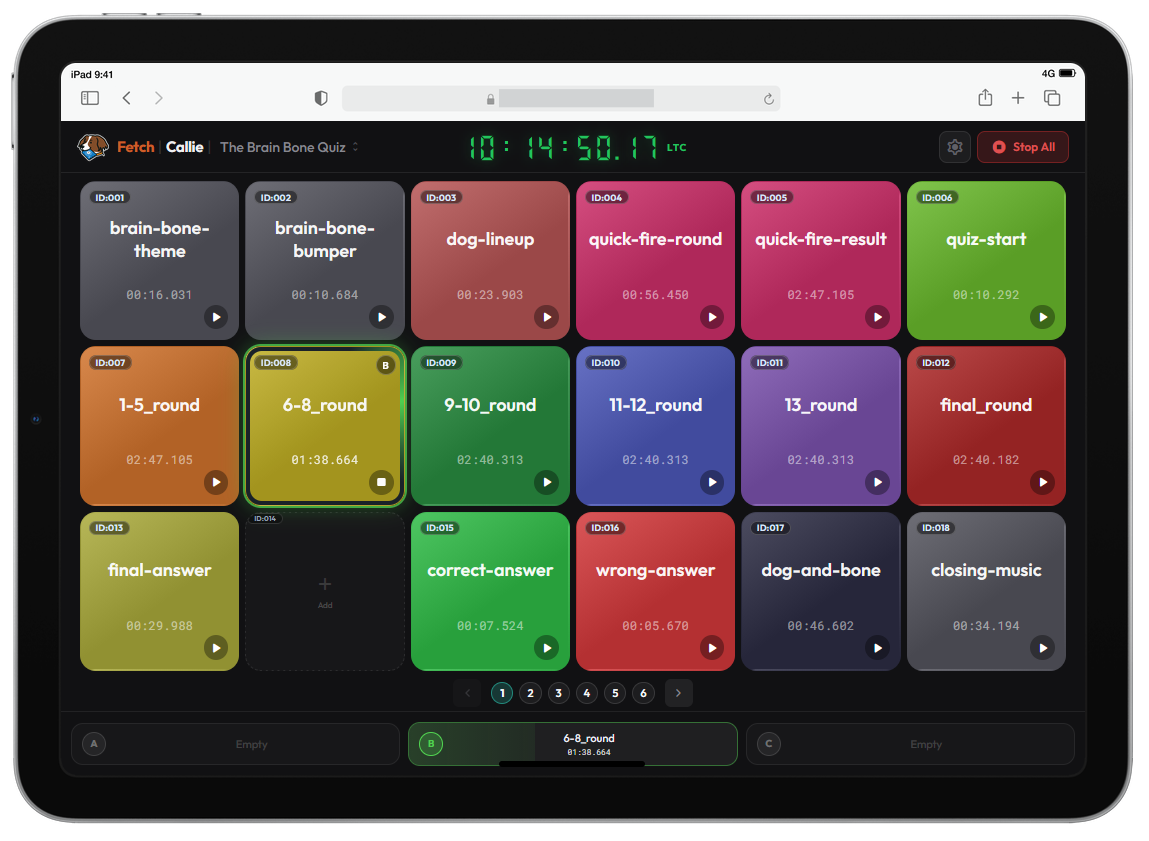
Menu → File → Preferences → OSC / WebAPI
- Set the Web API port (default: 8000).
- Set the OSC port (default: 9000).
- The two ports must be different.
- Changes apply on next launch.
References
Section titled “References”- Clip reference:
ID:001,ID:002, … - Project reference:
PRJ:001,PRJ:002, … - Event reference:
EVN:000(Stop All),EVN:001, … - Gang reference:
GNG:001,GNG:002, … - Sequence reference:
SEQ:001,SEQ:002, … — see Sequence Builder
Accepted forms:
- Canonical:
ID:001,PRJ:001,EVN:000,GNG:001,SEQ:001 - Compact:
ID001,PRJ001,EVN000,GNG001,SEQ001 - Numeric-only where implied by the route/address:
001
Web API
Section titled “Web API”Callie Grams binds to all network interfaces (0.0.0.0). The examples below use 127.0.0.1 for local control.
Base URL: http://127.0.0.1:8000
Discovery:
GET /api/v1/web-apiGET /api/v1/open-control(alias for the same discovery response)
Core routes:
GET /api/v1/sessionGET /api/v1/projectsGET /api/v1/buttonsGET /api/v1/cartsPOST /api/v1/trigger/{ref}— trigger a clip, gang, or sequence (ID:001,GNG:001,SEQ:001)POST /api/v1/projects/{ref}/activate— switch project (PRJ:001)POST /api/v1/events/{ref}— trigger an event (EVN:000)POST /api/v1/page/{page}— switch UI page by zero-based index
Examples:
Trigger clip 1:
curl -X POST http://127.0.0.1:8000/api/v1/trigger/ID:001Fire gang 2:
curl -X POST http://127.0.0.1:8000/api/v1/trigger/GNG:002Switch to project 3:
curl -X POST http://127.0.0.1:8000/api/v1/projects/PRJ:003/activateStop all playback:
curl -X POST http://127.0.0.1:8000/api/v1/events/EVN:000Switch to page 2 (zero-based):
curl -X POST http://127.0.0.1:8000/api/v1/page/2OSC listens on UDP port 9000 by default.
Direct-address mode:
/callie/id/001— trigger clip 1/callie/gng/002— fire gang 2/callie/seq/001— fire sequence 1 (presses the button it’s bound to)/callie/prj/002— activate project slot 2/callie/evn/000— trigger Stop All
Argument mode:
/callie/triggerwith first arg as ID ref/callie/clip/triggerwith first arg as ID ref/callie/gang/triggerwith first arg as GNG ref/callie/project/activatewith first arg as PRJ ref/callie/prj/activatewith first arg as PRJ ref/callie/eventwith first arg as EVN ref/callie/trigger/eventwith first arg as EVN ref/callie/stop_all— no args
Arguments can be strings ("ID:001", "id001", "1"), integers (1), or floats (1.0).
Bitfocus Companion
Section titled “Bitfocus Companion”Use Web API actions:
- Trigger clip:
POST /api/v1/trigger/ID:001 - Fire gang:
POST /api/v1/trigger/GNG:001 - Stop all:
POST /api/v1/events/EVN:000 - Switch project:
POST /api/v1/projects/PRJ:001/activate - Switch page:
POST /api/v1/page/2
Poll these for feedback:
GET /api/v1/sessionGET /api/v1/buttonsGET /api/v1/carts